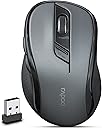
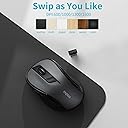
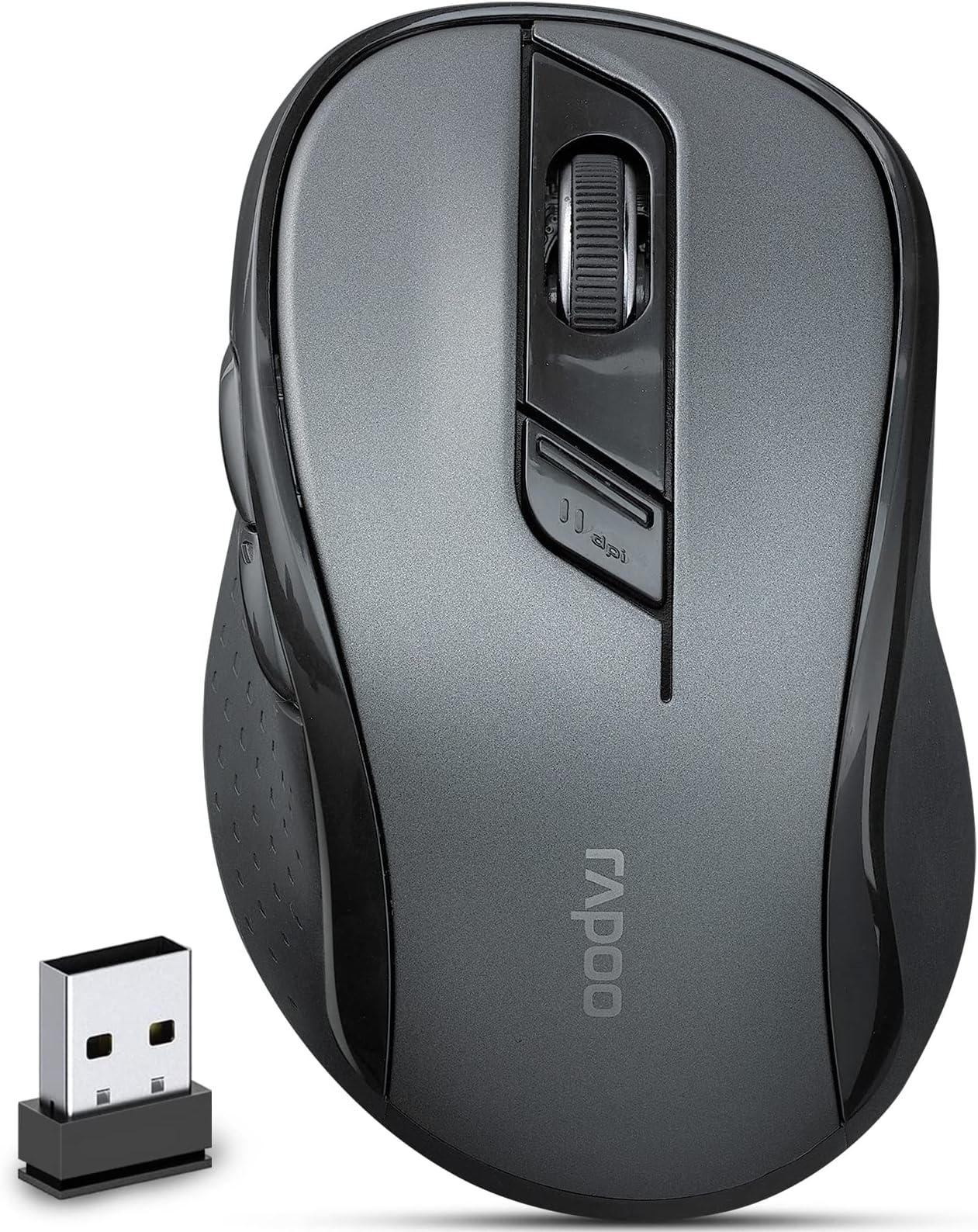
🖱️ Elevate Your Workspace with Silent Precision!
The Rapoo M500 Bluetooth Wireless Mouse offers a multi-device connection, allowing seamless switching between up to three devices. With four adjustable DPI settings and a silent click design, it enhances productivity in any environment. Its ergonomic shape ensures comfort for extended use, while the long-lasting battery life and wide compatibility make it a versatile choice for professionals on the go.


| ASIN | B09R1F4HCQ |
| Batteries | 2 AA batteries required. (included) |
| Best Sellers Rank | #6,819 in Computer Mice |
| Customer Reviews | 4.1 4.1 out of 5 stars (45) |
| Date First Available | January 24, 2022 |
| Item Weight | 4.6 ounces |
| Item model number | M500 |
| Manufacturer | Shenzhen Rapoo Technology Co., Ltd. |
| Product Dimensions | 8.26 x 5.12 x 1.57 inches |
J**N
Good wireless mouse
Mouse was easy to connect to my computer, it feels comforatble in my hand, curser follows mouse movements well and battery seems to last OK (only had for a few months but I leave it on when PC is off)
Y**V
Surprisingly silent
Works great with my MacBook through Bluetooth. It got some weight to it. The buttons are almost absolutely silent, so I can use it during a class or in the library without any issue.
G**L
Good
Very good mouse , bt , bought two.
B**O
Dead out of the box
I bought 2. One works fine. The other was dead out of the box. I emailed the company, they replied once, never followed up. Would not recommend.
N**W
Great Mouse!
This was the 4th mouse I tried and the Only one that works!
A**N
good
good item
K**R
Nice little mouse for a small hand. Little confusing to set up. Batteries included.
This mouse can be a little confusing to set up....it look me about an hour to get it running. It does come with instructions that explain everything but they are very hard to read and follow.The important thing to know: The Bluetooth button on the bottom toggles between computers/modes. This mouse can connect to two different computers through Bluetooth and one more computer using the included USB dongle. If you press the Bluetooth button for three seconds, it enters Bluetooth pairing mode. If you want to use the USB dongle instead, you need to push the Bluetooth button once or twice to get in that mode.Once you understand how switch between modes, then it is easy to set up. You just plug the USB dongle into a computer and it pairs up in a few seconds (as long as the mouse is in USB dongle mode). My problem was I didn't know this and I finally found the answer in a different section in the hard to read set up pamphlet.This mouse is short....not as long as typical travel mouse....but it is taller than the typical travel mouse. It depends on your computer bag on if this is a good fit if you want a travel mouse. The nice thing is that the USB dongle can be stored in the battery compartment for travel.It is really too small for a desktop. I have to really arch my finger to use the scroll.Otherwise, this mouse is comfortable to use. It is very responsive and glides very well over any surface.
S**Z
Comfortable wireless mouse works perfectly out of the box. USB connector hidden inside.
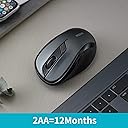
This cordless mouse worked perfectly, is more comfortable than my older wired mouse, and it's much more convenient for my crowded desk not only because I can move it off the pad when I need that area for scanning documents, but also because there isn't a wire getting in the way and knocking over papers.The instructions are clear except for one thing: They *do* say that the mouse comes with a transmitter that you're supposed to put into the USB slot of a computer, but they *don't* tell you where you can find it. I looked all over the box, finally discovered (on my own) that it's hidden *inside the mouse* near the batteries. I've marked it in the picture so you won't have the same problem.The manufacturer claims the batteries will last a year with typical use. That's pretty good!It also allows you to connect to two other devices, and it seemed to work fine, though I honestly have no need for a mouse on my phone. If you do, this mouse does that.
Trustpilot
1 week ago
1 week ago