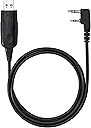
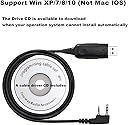
🔧 Program Your Way to Better Communication!
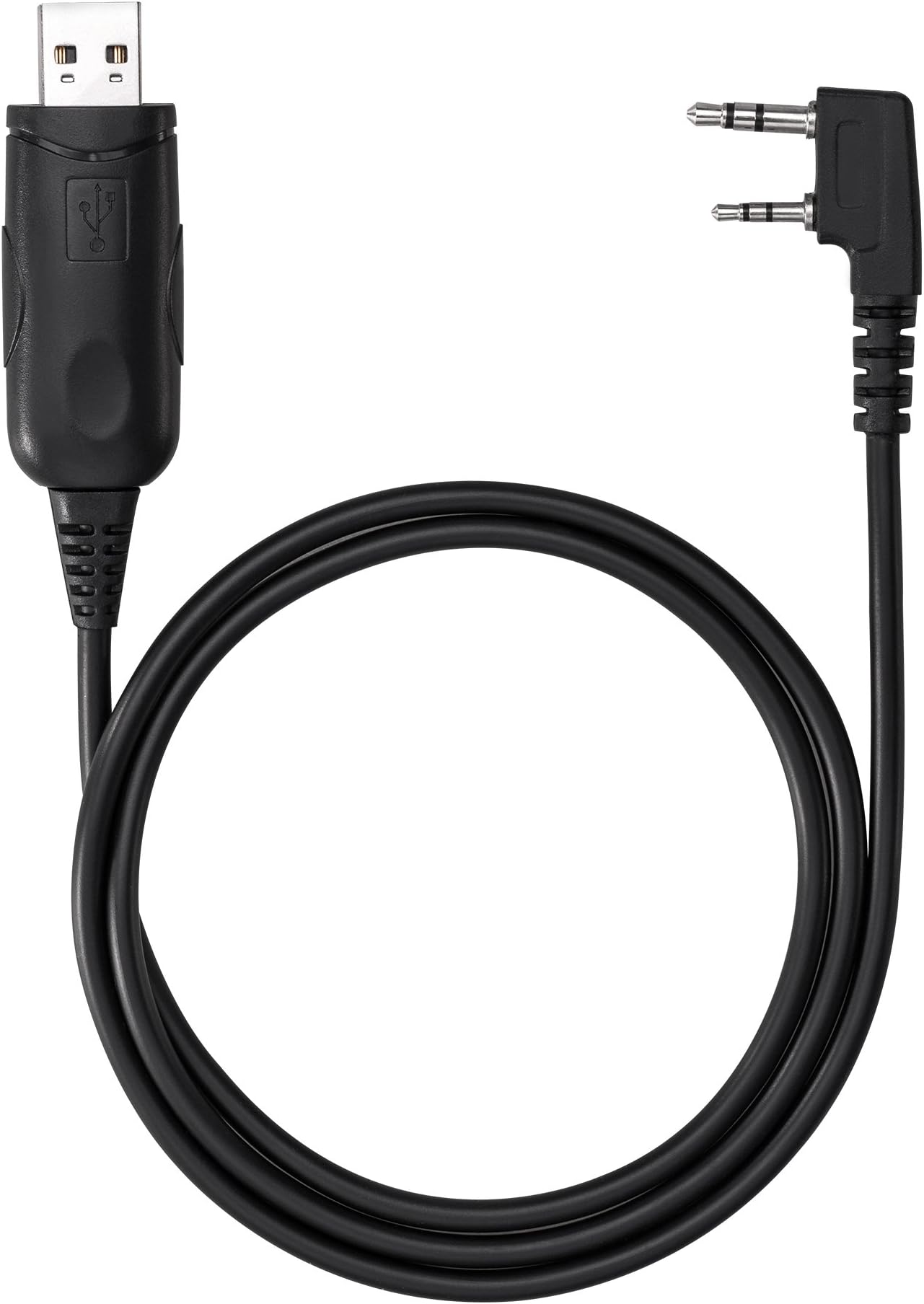
The SAMCOM Walkie Talkies Programmable Cable is a versatile tool designed for seamless connection between your two-way radio and PC. It allows users to easily program settings and frequencies, ensuring compatibility with various brands. With support for Windows operating systems and a 2-pin K-plug, this cable is perfect for enhancing your communication experience.
| ASIN | B07MCGHMML |
| Brand Name | SAMCOM |
| Cable Type | USB |
| Color | Programming Cable |
| Compatible Devices | SAMCOM Walkie Talkies Two Way Radios |
| Compatible Phone Models | samcom radios, two way radio, walkie talkie |
| Connector Gender | Male-to-Male |
| Connector Type | USB |
| Customer Package Type | Standard Packaging |
| Customer Reviews | 4.4 4.4 out of 5 stars (141) |
| Item Shape | Round |
| Item Weight | 3.9 Ounces |
| Manufacturer | Sancon Inc |
| Model | Programming Cable-02 |
| Other Special Features of the Product | Long Range |
| Specification Met | CE |
| UPC | 631105611886 |
| Unit Count | 1.0 Count |
N**S
This programming cable makes adjusting frequencies and settings on SAMCOM radios straightforward and hassle-free. Connecting your radio to a Windows PC is simple, and the software lets you customize channels to work smoothly with other brands. I was entering frequencies into my FPCN30A radios within minutes. It’s especially handy for anyone needing to fine-tune their radios without guessing. The build quality feels solid, and the compatibility with multiple SAMCOM models adds real value. For the price, it’s a smart investment that saves time and frustration, making it well worth every penny.
N**L
Purchased this cable to more easily adjust frequencies in the pair of FPCN30s I have. Seems to work fine. I have the same review/feedback for the programming cable for the FPCN50A's I have as well. I noticed that you need to follow a specific set up steps to get this to work right: 1) Plug in programming cable to computer and ensure it shows up correctly as a valid com port w/ correct driver. 2) Open up the CPS Software 3) Select the correct COM port 4) Turn the radio on 5) Now plug the other end of the cable into the radio. 6) You should be able to read & write fine from here. If you attempt to read/write from the radio and you get timeout/connection errors, you most likely had the cable plugged into the radio and then turned it on -- this wont work. Close everything out and unplug the cable from the radio. Turn the radio off/back on and then connect the cable.
P**R
Good product compatibility and versatility. Used them for both Kenwood and Samcom radios.
J**Y
It's frustrating that this wasn't included in the SAMCOM radio package because the radios are not programmed to the standard channels. Not a problem is you buy a bunch of these radios but if you want to communicate with random people then you will need to reprogram the radios to standard channels.
R**R
I don’t, and never will understand why so many of these Chinese walkie-talkies come with a bunch of different DCS codes preprogrammed into them. Plus, the SAMCOM 20-channel units (the channel readout goes from 0 to 19, so thats 20 channels) have the channel frequencies all jacked out of order too. But, by using this cable and my PC, (the software is a free download) the SAMCOM walkie-talkies can easily be straightened out. Simply read the data from the radio, re-align the frequencies in the correct FRS (family radio service) order, clear all those silly DCS (or CTCSS) codes, and write the data back to the radio. For the second (or more) radio(s) just plug in the cable and write the same data table into the next radio. Now, these SAMCOM radios can talk with other FRS and GMRS radios.
Trustpilot
2 weeks ago
2 months ago