Buy anything from 5,000+ international stores. One checkout price. No surprise fees. Join 2M+ shoppers on Desertcart.
Desertcart purchases this item on your behalf and handles shipping, customs, and support to KSA.
🔥 Stay cool, save energy, and control your comfort—anytime, anywhere! 🌍
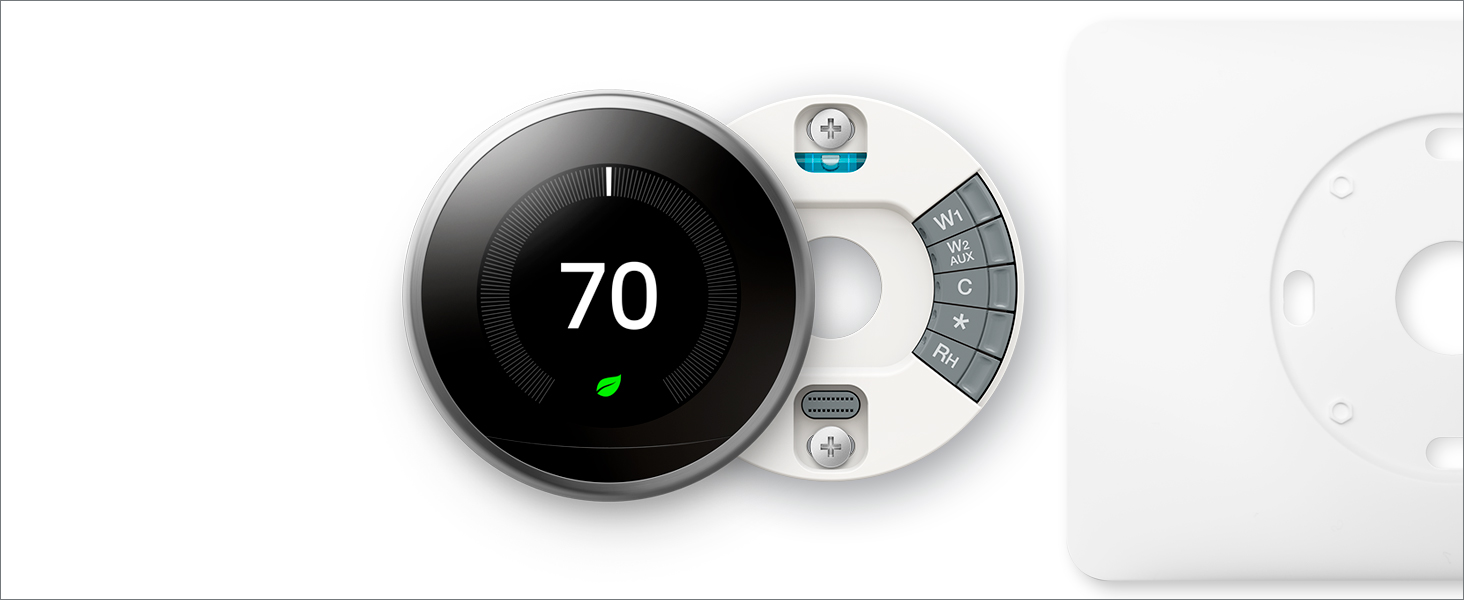
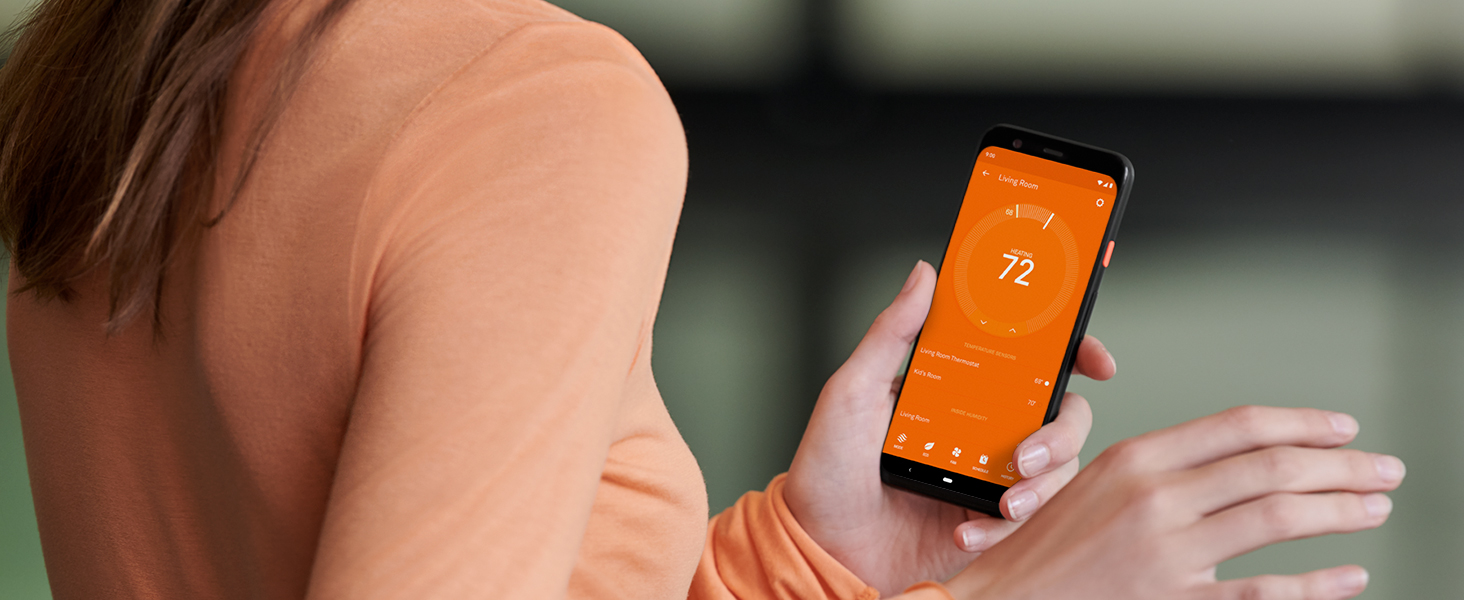
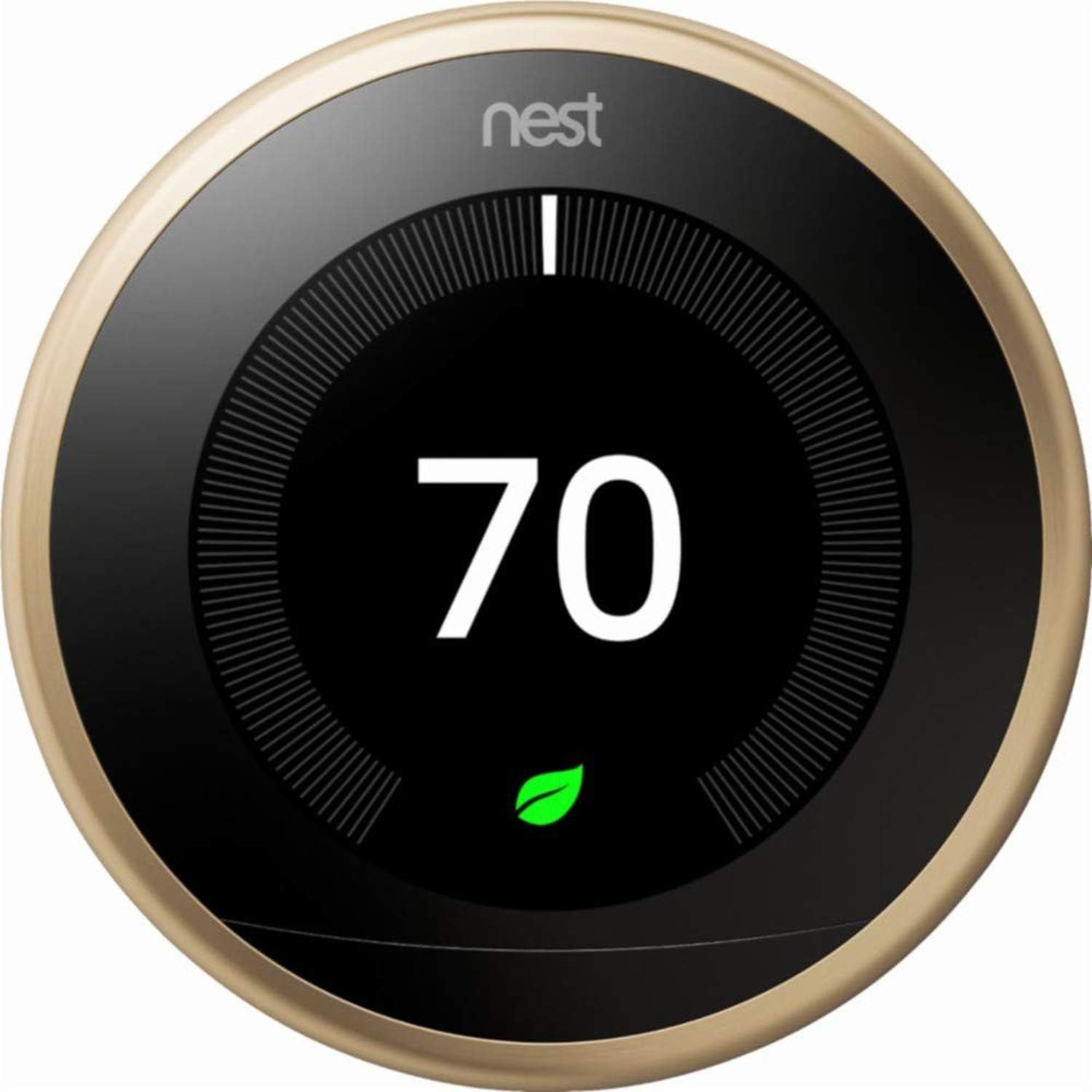
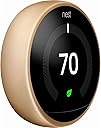
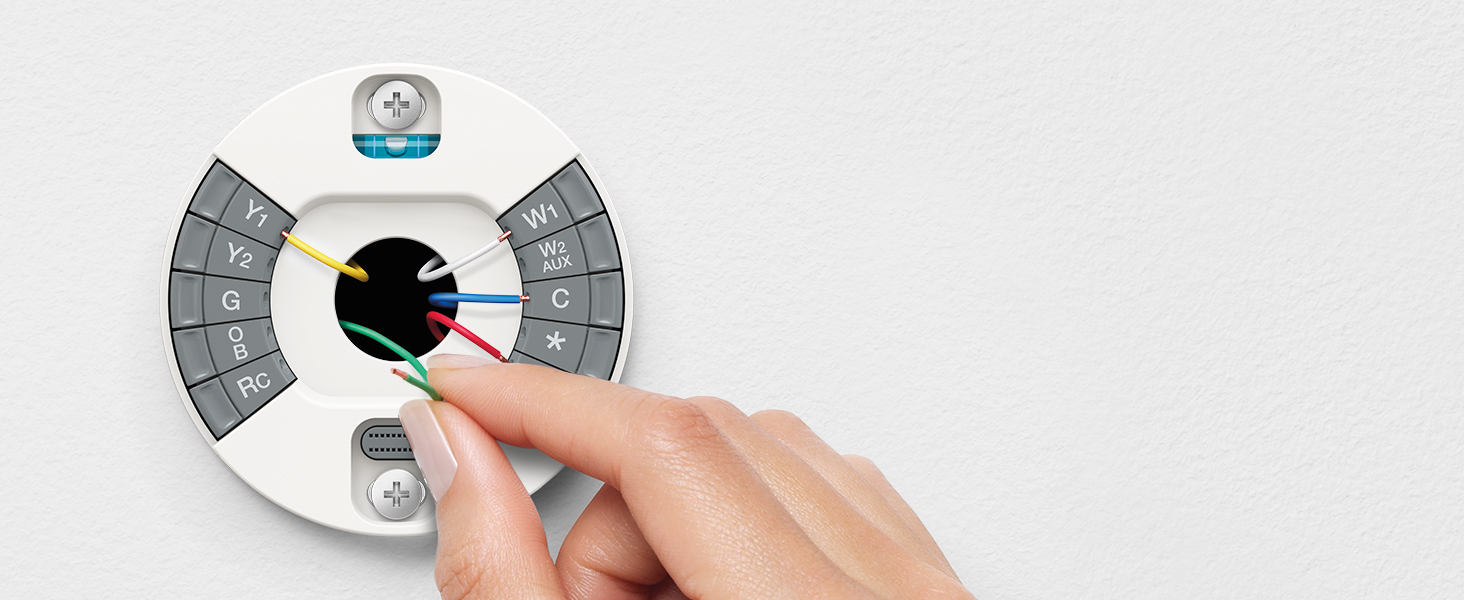
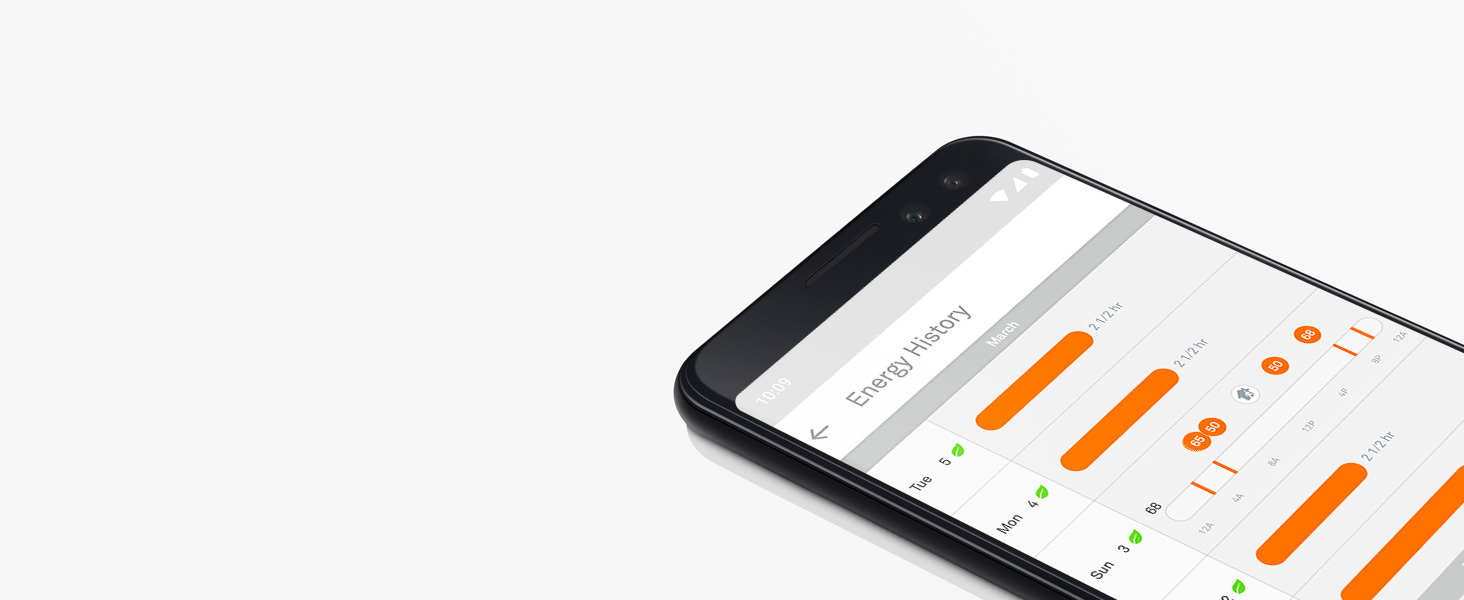
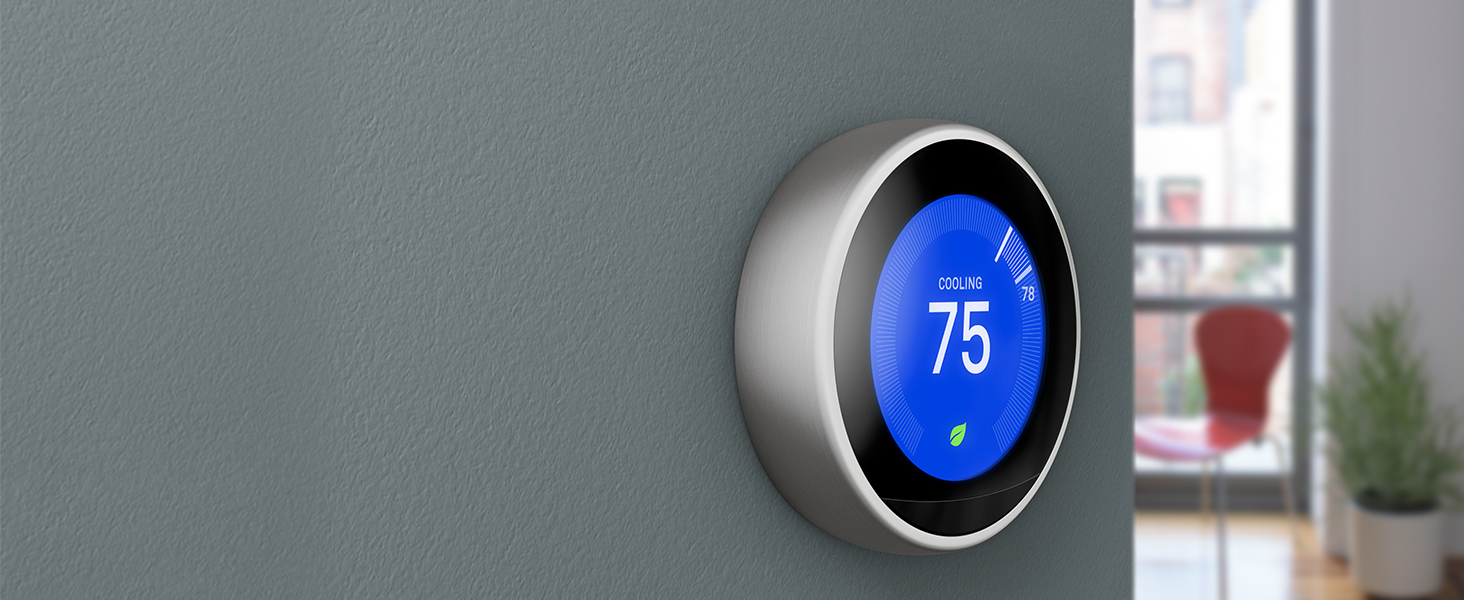
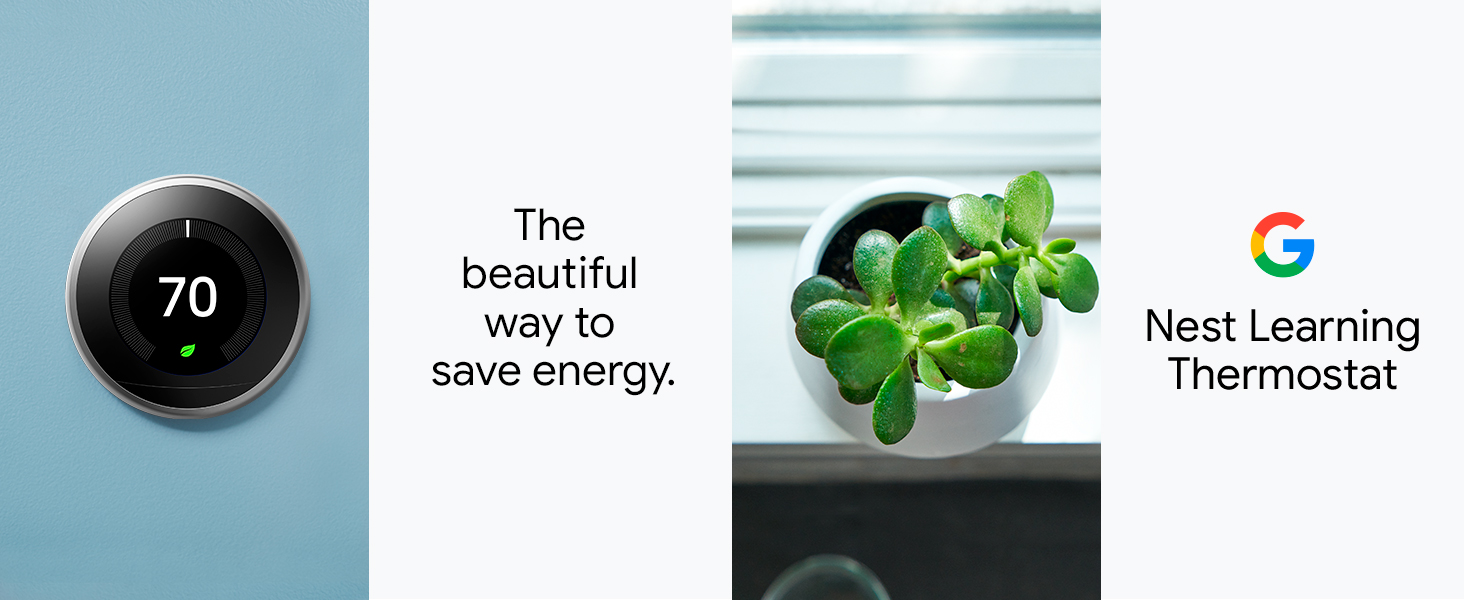
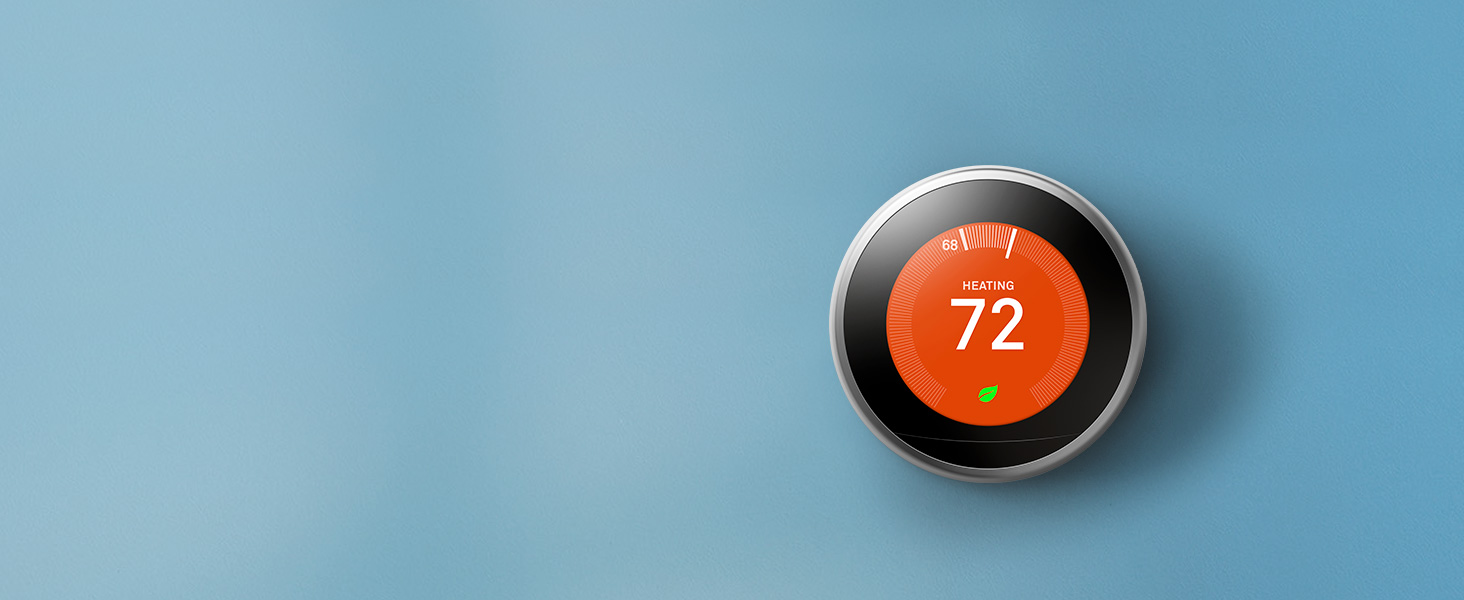
The Nest 3rd Generation Thermostat in brushed brass combines sleek design with smart home technology. It connects securely to your Wi-Fi network, learns your temperature preferences, and offers remote control via app. Featuring dynamic sensors, Farsight display, and energy-saving alerts, it integrates with Nest Protect for enhanced safety. Easy to install with included tools, it’s an Energy Star certified upgrade for modern HVAC systems.





| ASIN | B07MHM38WS |
| Additional Features | Auto-Schedule Self-Programming; Compatible with Most HVAC Systems; Automatically Adapts to Season Change |
| Backlight | Yes |
| Best Sellers Rank | #67,412 in Tools & Home Improvement ( See Top 100 in Tools & Home Improvement ) #215 in Home Thermostats & Accessories |
| Brand | Nest |
| Brand Name | Nest |
| Color | Brass |
| Colour | Brass |
| Connectivity Protocol | Wi-Fi |
| Connectivity Technology | Bluetooth, Wi-Fi |
| Control Method | App |
| Control Type | Button Control |
| Controller Type | iOS |
| Controller type | iOS |
| Customer Reviews | 4.4 out of 5 stars 662 Reviews |
| Display Type | backlit |
| Finish Types | Brushed Brass |
| Global Trade Identification Number | 00813917022054 |
| Included Components | Display, Base, Nest Pro installation card, Installation And Welcome Guide, Mounting screws and labels, Nest screwdriver, Optional Trim Plate |
| Item Type Name | Thermostat |
| Item Weight | 227 g |
| Manufacturer | Nest |
| Manufacturer Part Number | T3032US |
| Material Type | Stainless Steel |
| Model Name | T3032US |
| Model Number | T3032US |
| Model name | T3032US |
| Mounting Type | Wall Mount |
| Number of Batteries | 1 Lithium Ion batteries required. (included) |
| Power Source | Battery Powered |
| Product Style | Custom |
| Shape | Round |
| Special features | Auto-Schedule Self-Programming; Compatible with Most HVAC Systems; Automatically Adapts to Season Change Special features Auto-Schedule Self-Programming; Compatible with Most HVAC Systems; Automatically Adapts to Season Change See more |
| Specific Uses For Product | Air Conditioner |
| Specific uses for product | Air Conditioner |
| Specification Met | Energy Star |
| Temperature Control Type | learning |
| UPC | 813917022054 |
| Voltage | 3.7 Volts |
D**T
not compatible with UK systems
had an engineer come to install and he was confused by how 'thin' the box was. when he went inside he discovered it was the US version, which is incompatible with UK central heating systems. he remarked that he has never seen a UK version in brass. dishonest for amazon to allow this to be sold here
B**A
Sleek looking, works great once installed properly
This is much more sleek looking than the regular Nest thermometer that we have upstairs. Installation was a bear because we blew a fuse. Turn off the breaker, but also turn off the furnace separately. Ours is in the attic so didn't climb up there to turn it off. Kept getting random error messages during install - power not connected to AC, couldn't detect the R wire, etc. Tried everything. Finally gave up and called an HVAC guy. He came out and diagnosed and changed the fuse on the furnace for $129. Other than that, the install should have been easy. Very happy with it now and happy we paid the extra $$ for this model.
M**H
Elegant! Bland to Grand!
I used to have a Honeywell thermostat that came with my house, but my OCD and I had a heated debate about its bland design and clunky functionality. It was like the beige cardigan of thermostats – functional but uninspiring and a tad effortful to use. I decided it was time to upgrade to something that matched my desire for style, automation, and cutting-edge tech. Enter the Google Nest Learning Thermostat in its stunning gold color. I was skeptical at first – it’s a bit pricier than the typical options! This beauty is like the James Bond of thermostats: sleek, intelligent, and effortlessly cool. Features like Alexa integration for voice commands, app support, and energy-saving magic have made my life infinitely easier (and my energy bills a bit friendlier). Even manually adjusting it feels like an elegant experience, not a monotonous chore. And gold color - it’s like putting jewelry on my wall. I’ve received more compliments on my thermostat than I have on my living room decor. True story! Now I understand why this gadget keeps going out of stock on Amazon If you’re on the fence about upgrading, let me just say this: stop debating and nest your way to a smarter, better home. Your OCD – and your guests – will thank you!
C**Y
Neat Thermostat and Alexia.
I already had this Nest Thermostat working on my IPhone. It installed immediately. I read all the reviews on this and was puzzled why they are so down on the Google Nest. When I downloaded the Nest App on my computer, It worked, flawlessly. Here is the problem with the app you need for interfacing that I came across and what is probably got these negative reviewers so upset. I read the Nest inductions and got to the Migrate the Alexia with Google. I think it is all in the wording. At Google says to migrate to the your Google account. At first I thought they were going to change my email that is Alexia's and change it to the Google account. Their wording of Migrate, stopped me in my tracks. I looked at the reviews, negative and positive. The positives were hopeful. The negatives were confusing. Here is where I figured that Google needs to change the wording Migrate to Pair. Because, that pairing is really what you are doing. It is a word that people know. Migrate? That is understandably confusing and the wording of Migrate is deceptive. So my fellow Nest users, go for it. Oh, one more thing, when you get past Migrating be sure to go to get your's computer app at https://alexa.amazon.com/spa/index.html#appliances and "discover" the thermostat (or what ever else in the Google services you have. So it is a 3 step process that is really quick and easy. 1 On your PC, download the Nest App 2 .Migrate (which really is a pairing) the Google account with Alexia, 3 go to the Alexia page and discover the device. All works out super. Enjoy your thermostat.
.**.
Very efficient. Nice finition
Very efficient
Trustpilot
2 months ago
3 days ago